Searching for “the best IPTV encoder” returns hundreds of models with confusing spec sheets. The truth is there is no single best encoder, only the best one for your job. This kiloiptv buyer’s guide explains the specs that matter, matches encoder types to common uses and lists the questions to settle before you spend money.
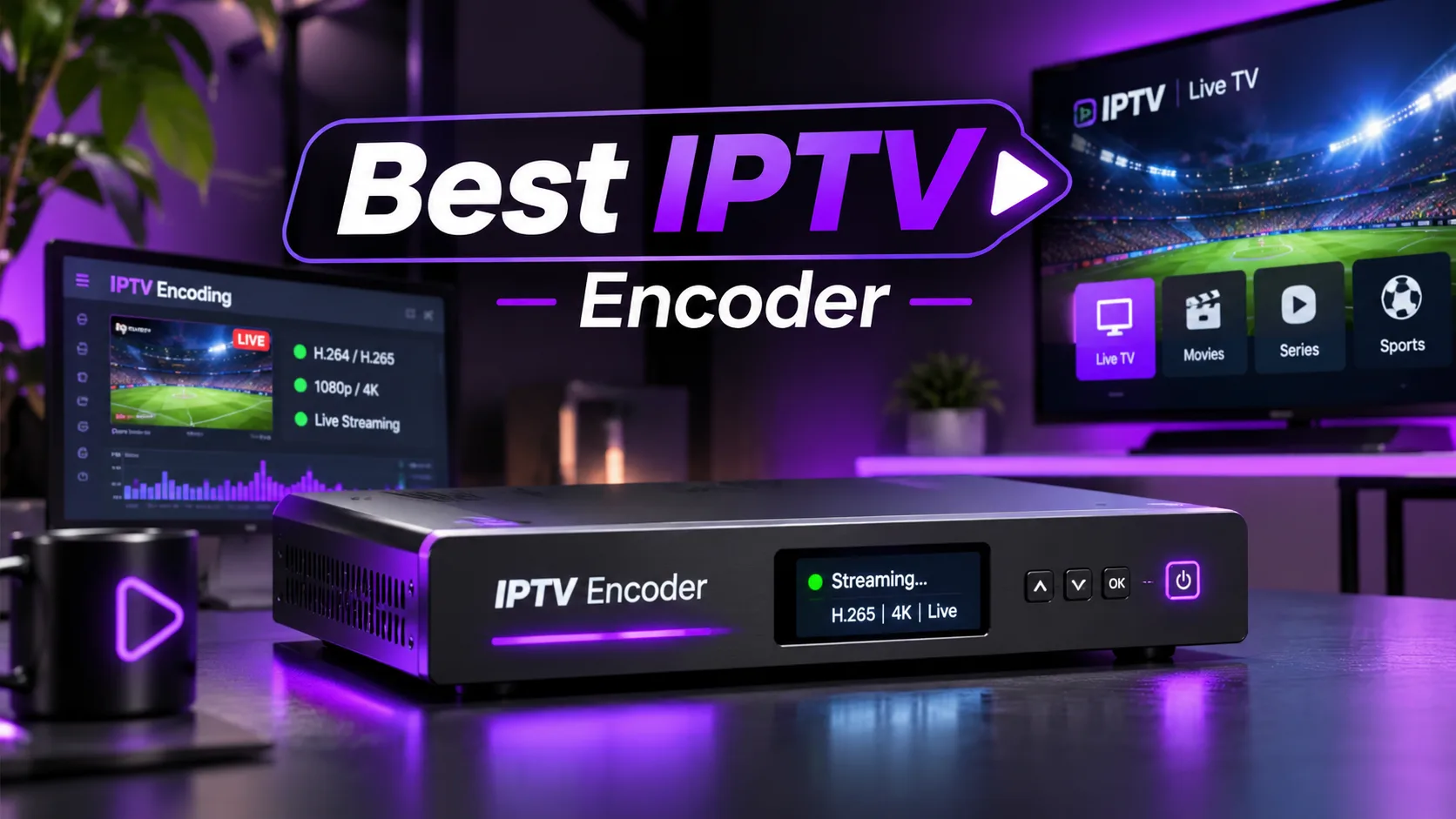
What an IPTV Encoder Does
An encoder converts a video source such as a satellite receiver, camera or HDMI device into a compressed stream that travels over a network. Viewers then watch it on smart TVs, set-top boxes, phones or computers.
The Specs That Really Matter
| Spec | Why it matters | What to look for |
|---|---|---|
| Inputs | Must match your sources | HDMI, SDI, IP or tuner inputs |
| Channels | How many feeds at once | 1 for simple jobs, 4–16+ for venues |
| Codec | Quality vs bandwidth | H.264 for compatibility, H.265 for 4K |
| Max resolution | Picture detail | 1080p minimum, 4K if your sources are 4K |
| Protocols | Where streams can go | UDP/RTP multicast, HLS, RTMP, SRT |
| Management | Day-to-day control | Web interface, remote monitoring |
Best Encoder Type by Use
Home or small office
A single-channel HDMI encoder is affordable and easy. It shares one source, such as a cable box, with other screens on the network.
Sports bars and restaurants
Choose a 4–8 channel unit so different matches can run on different TVs, with low-latency settings for live action.
Hotels and campuses
Rack-mounted multi-channel encoders with multicast, redundant power and remote management are worth the higher price.
Live events and churches
Portable encoders with RTMP or SRT output make streaming to remote viewers simple.
Hardware or Software?
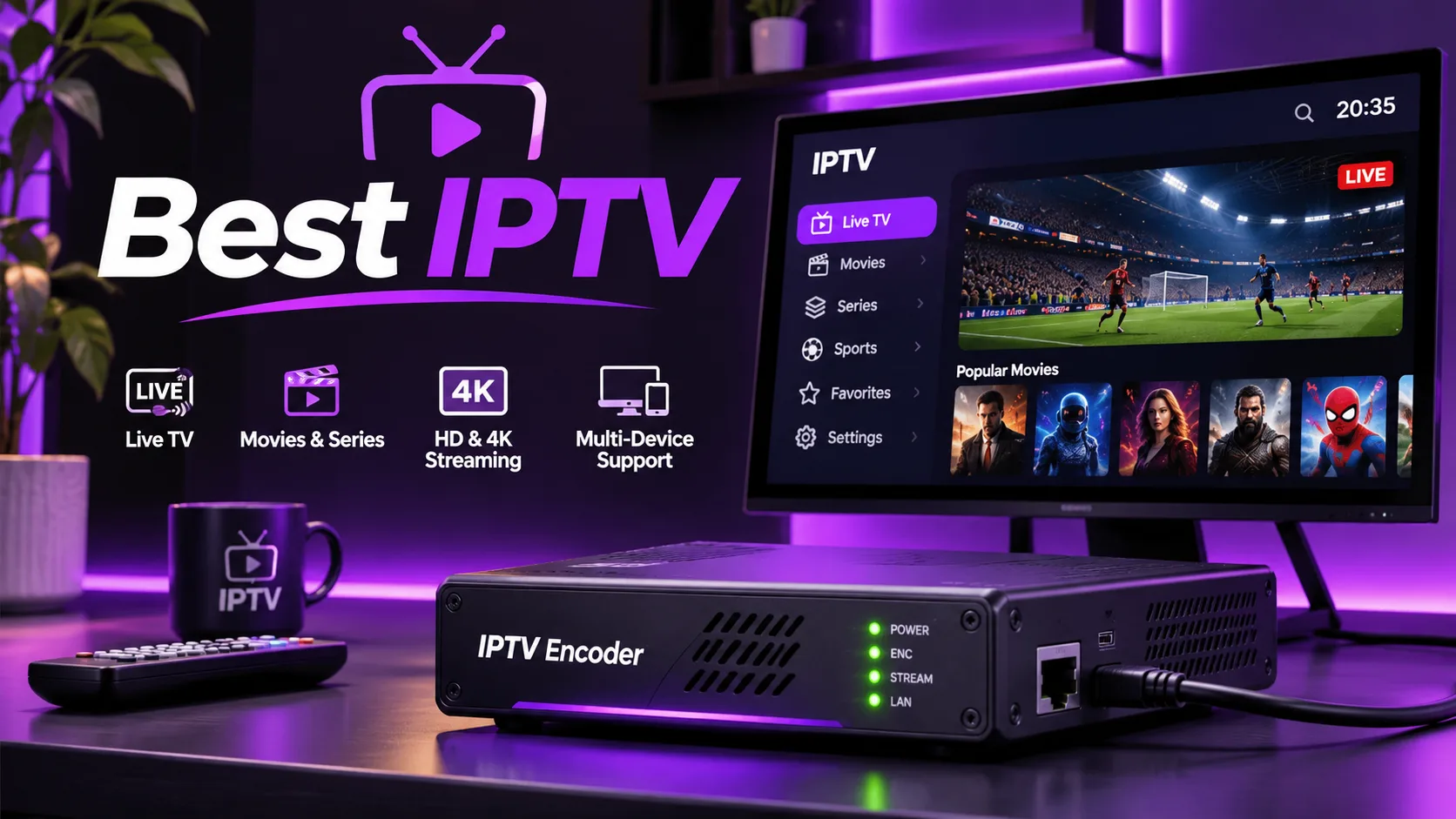
Hardware encoders are built for 24/7 reliability and many channels. Software encoders, such as OBS with a capture card, are cheap and flexible for occasional use but depend on a stable computer.
Questions to Ask Before Buying
- How many sources do I need to stream now, and in a year?
- Will viewers be on my local network, the internet, or both?
- Do my sources output HDCP-protected signals?
- Is my network ready for multicast?
- What support and firmware updates does the maker provide?
Common Buying Mistakes
- Buying a single-channel unit when you will need more later
- Ignoring HDCP, then finding the source cannot be captured
- Choosing H.265 when viewers’ devices only support H.264
- Forgetting that redistributing paid channels needs a licence
Frequently Asked Questions
Is H.265 always better?
It uses less bandwidth for the same quality, but older devices may not play it. H.264 is the safer choice for mixed audiences.
Do I need an encoder to watch kiloiptv?
No. Encoders are for creating your own streams. kiloiptv already delivers live channels, sport and films over the internet; you only need a player app.
Final Thoughts
The best IPTV encoder is the one that fits your sources, viewers and network, with room to grow. For ready-made TV at home without any hardware, explore the kiloiptv plans or read more on the kiloiptv blog.